Telluride (KTEX) – more images from ORBX’s Jarrad Marshall
Telluride Regional Airport (KTEX) – more images from ORBX’s Jarrad Marshall. It seems that another beautiful airport will be published soon.

G’day All,
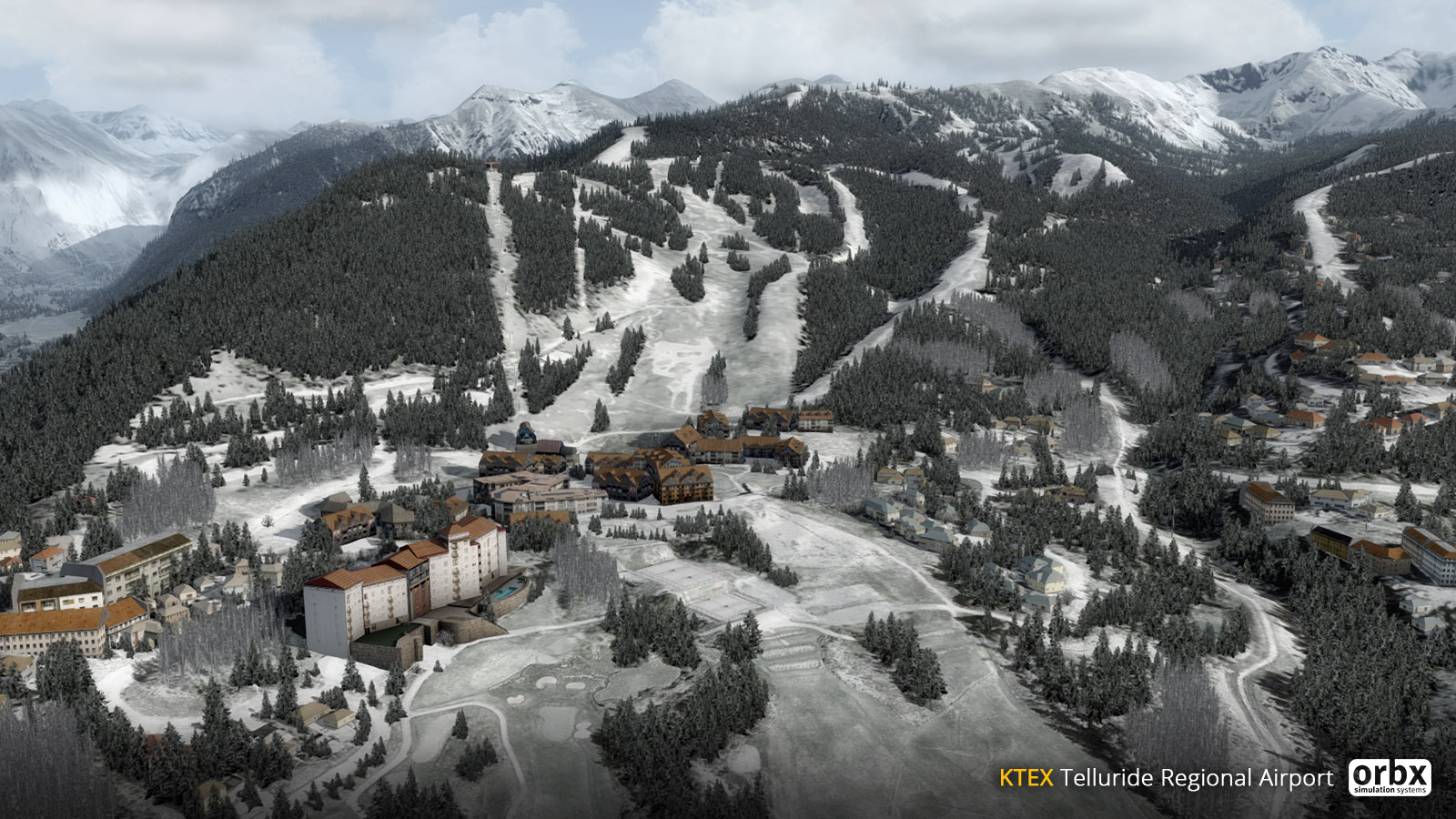
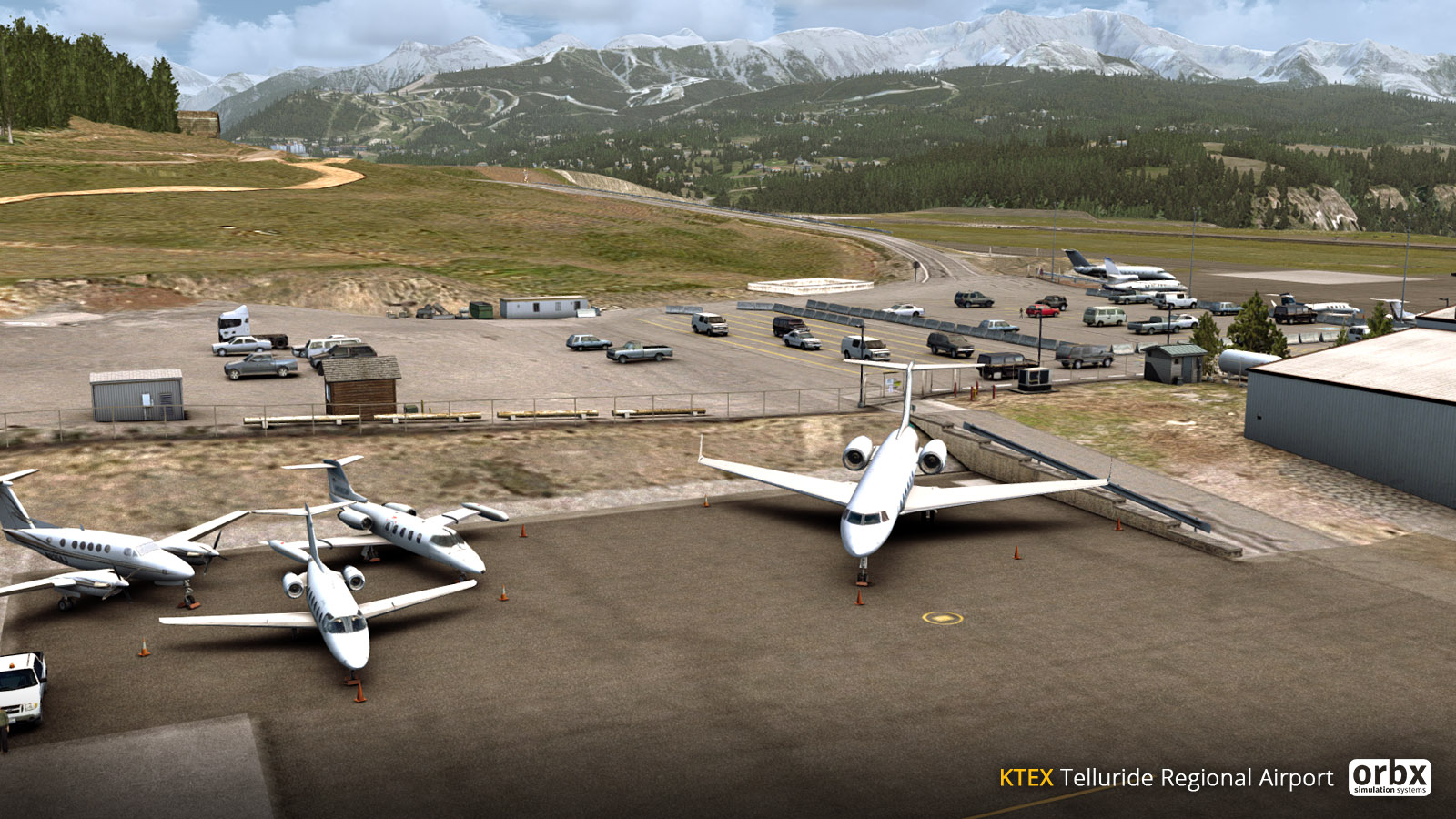
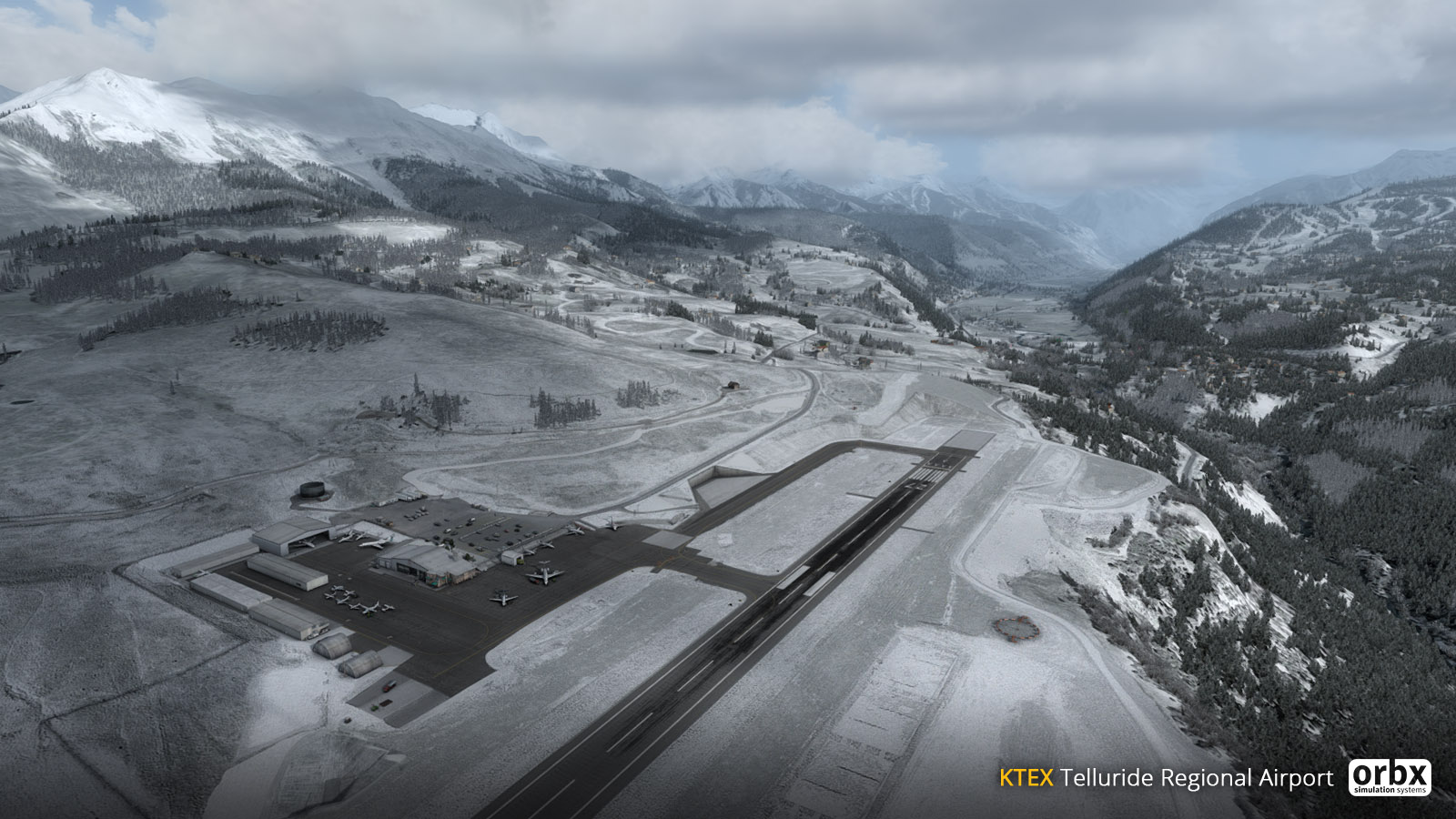
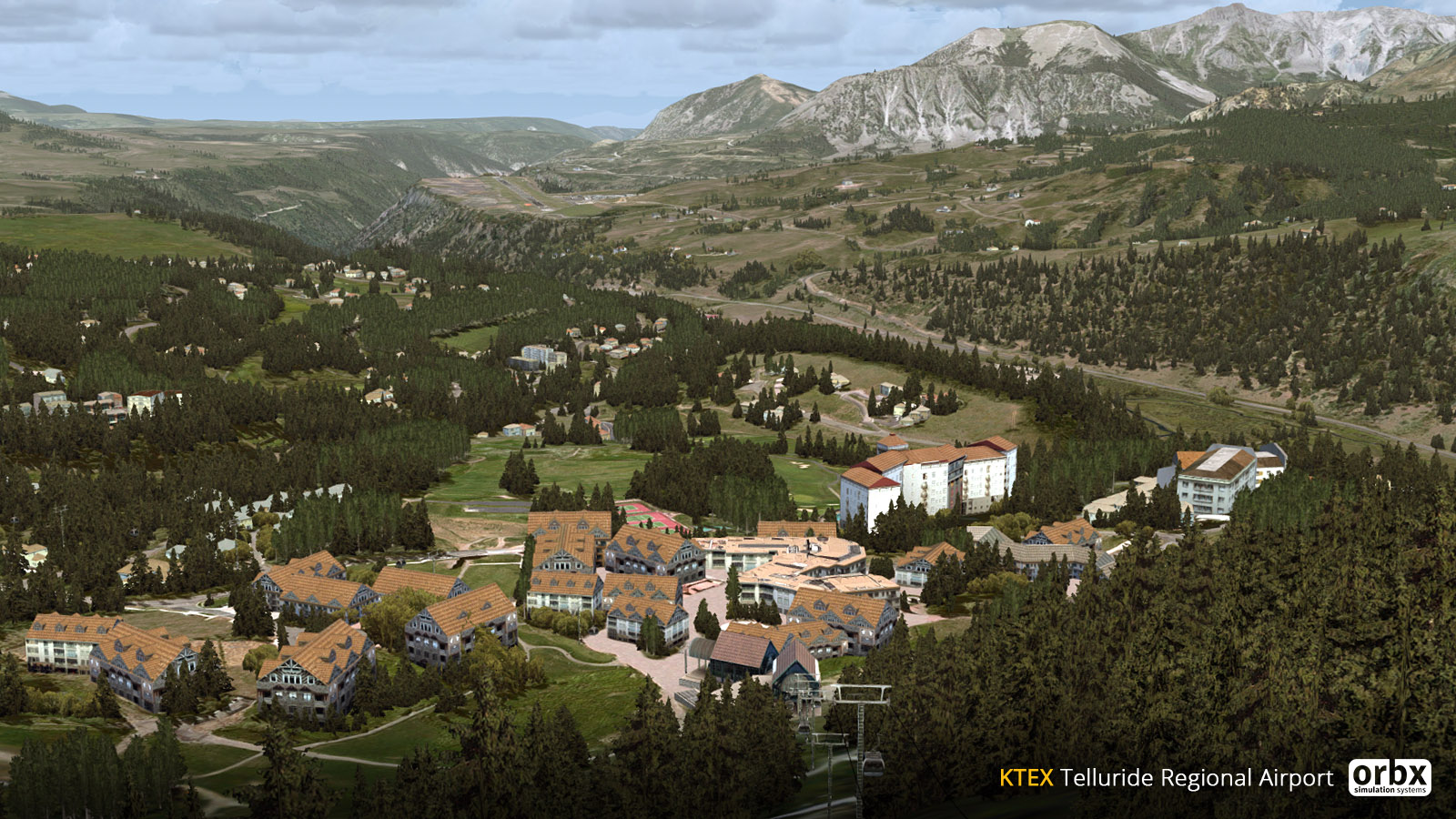
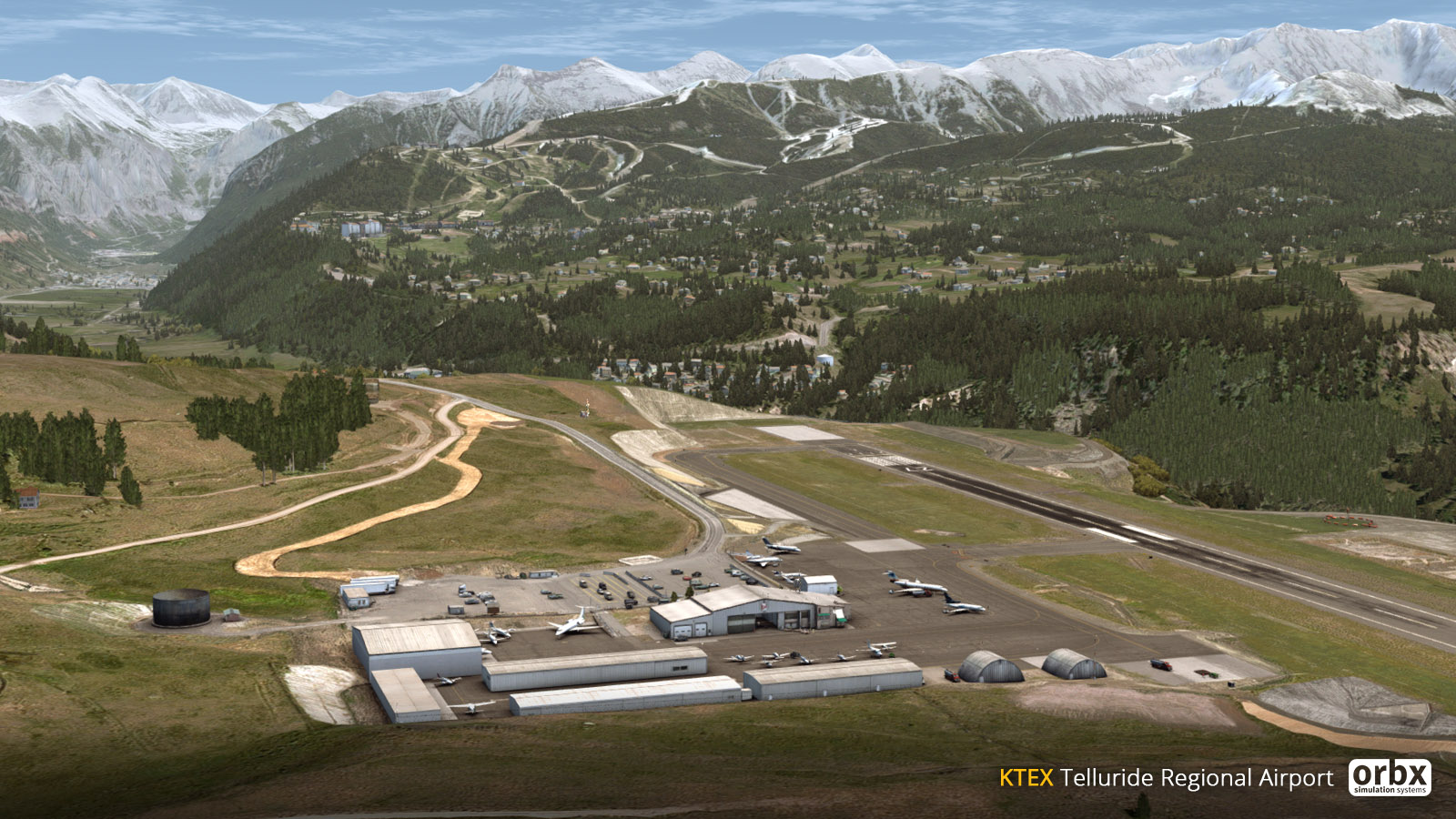
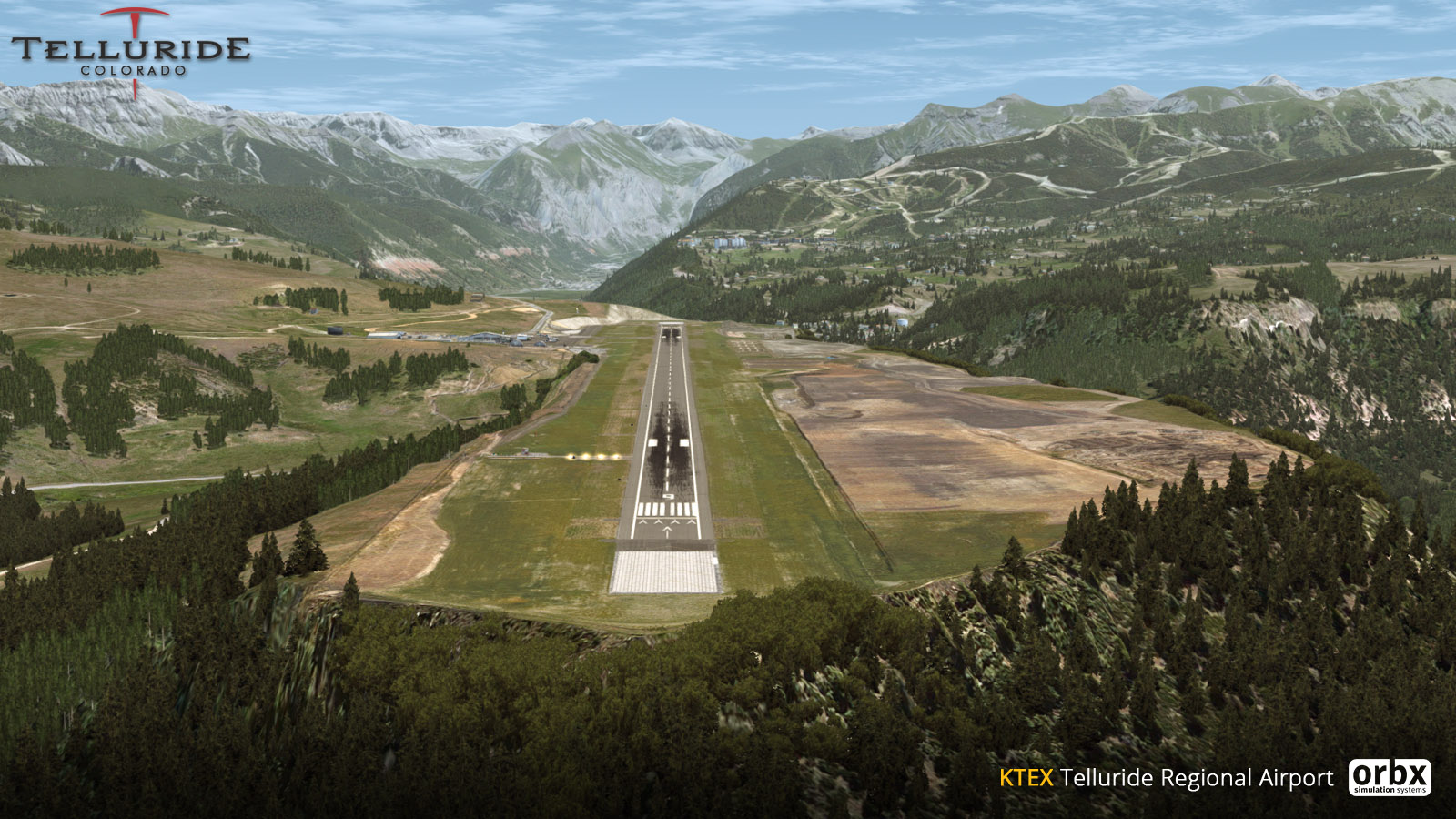
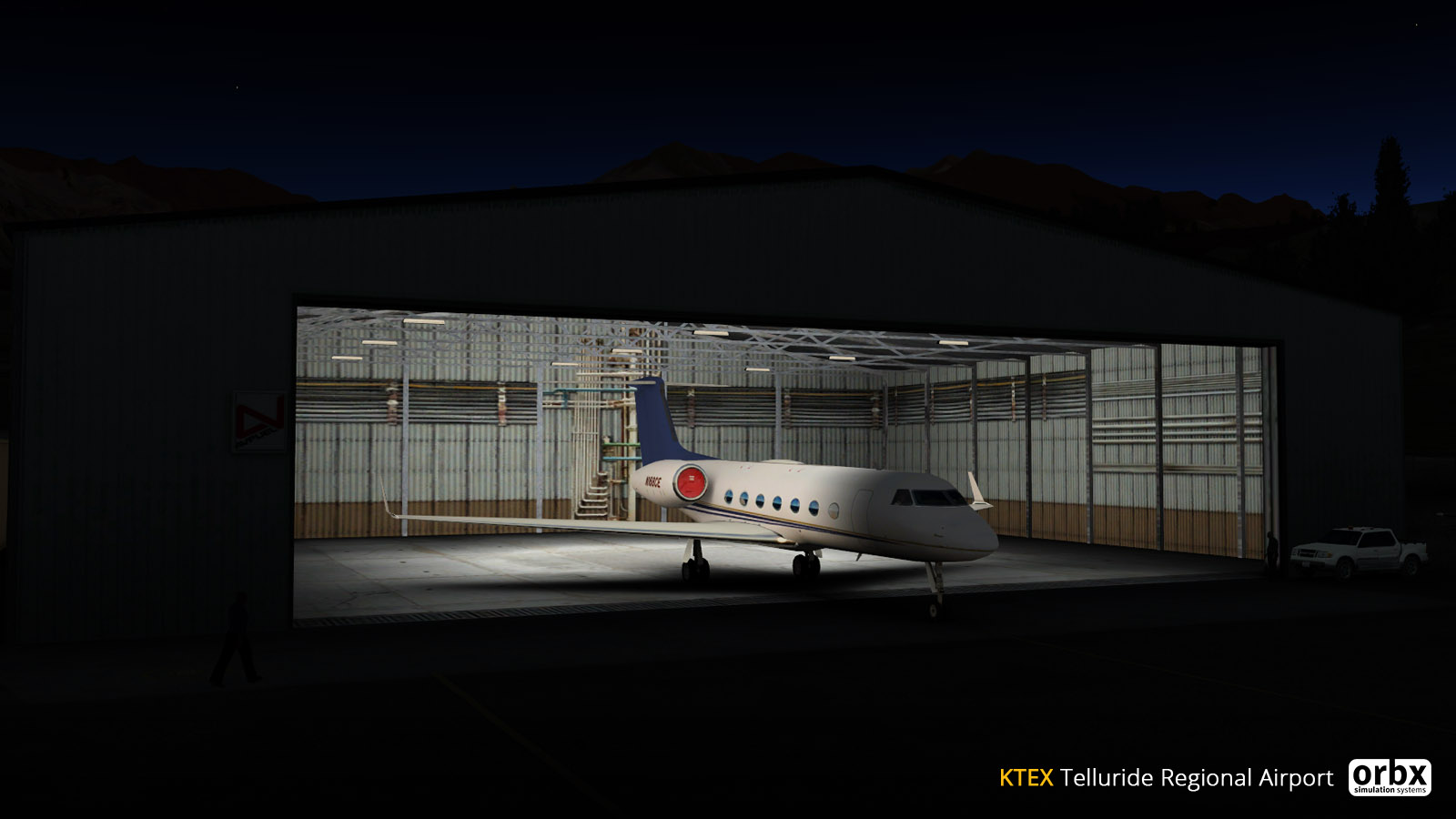
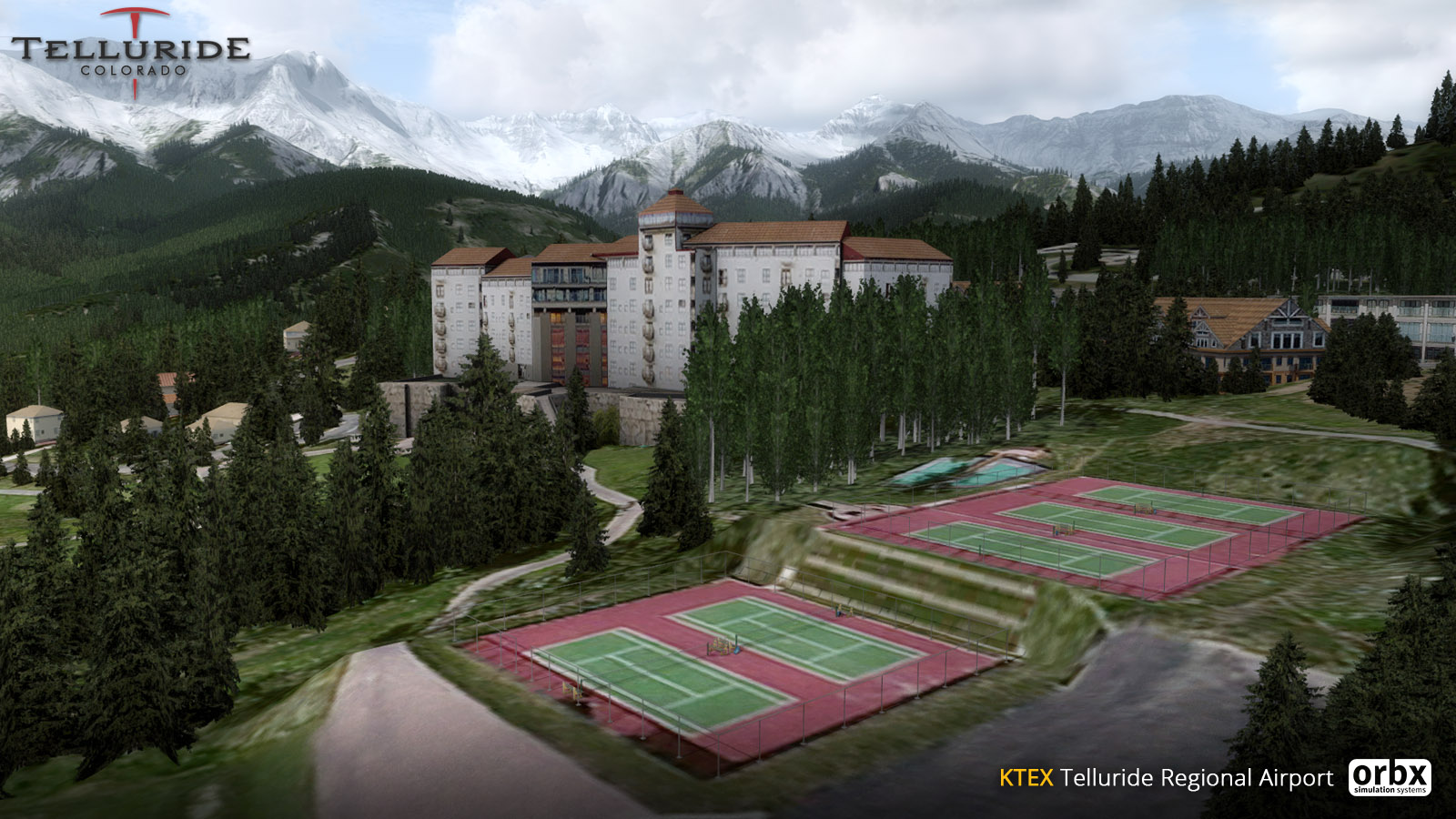
Thankyou for the enthusiastic feedback to our first Telluride previews; development is tracking well and is entering the later stages of beta testing as I speak. After primarily focusing on the airport in the first set of screenshots, I thought I would take the opportunity to showcase some of the additional areas of interest within the large coverage area. Perhaps the non-airport location that received the most attention during development was Mountain Village – the resort and ski areas nestled in the mountains above Telluride. Situated adjacent Telluride Airport, the hotels and chalets of the Village are often visible from the airport apron and runway; the residents and guests (including a few well-known Hollywood celebrities) are responsible for the rather draconian noise abatement procedures, particularly if you are attempting a rare landing from the east on Rwy27.
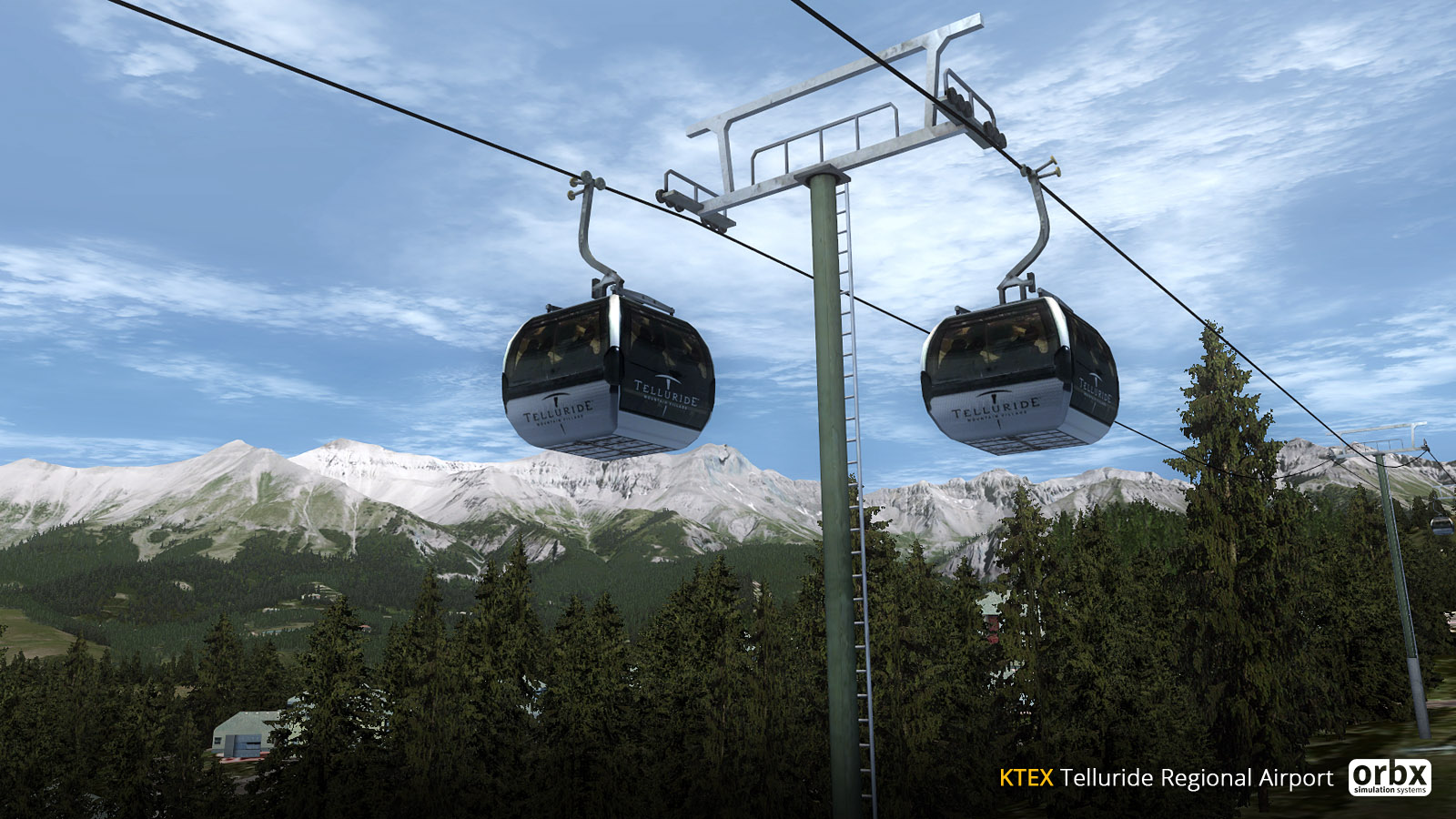
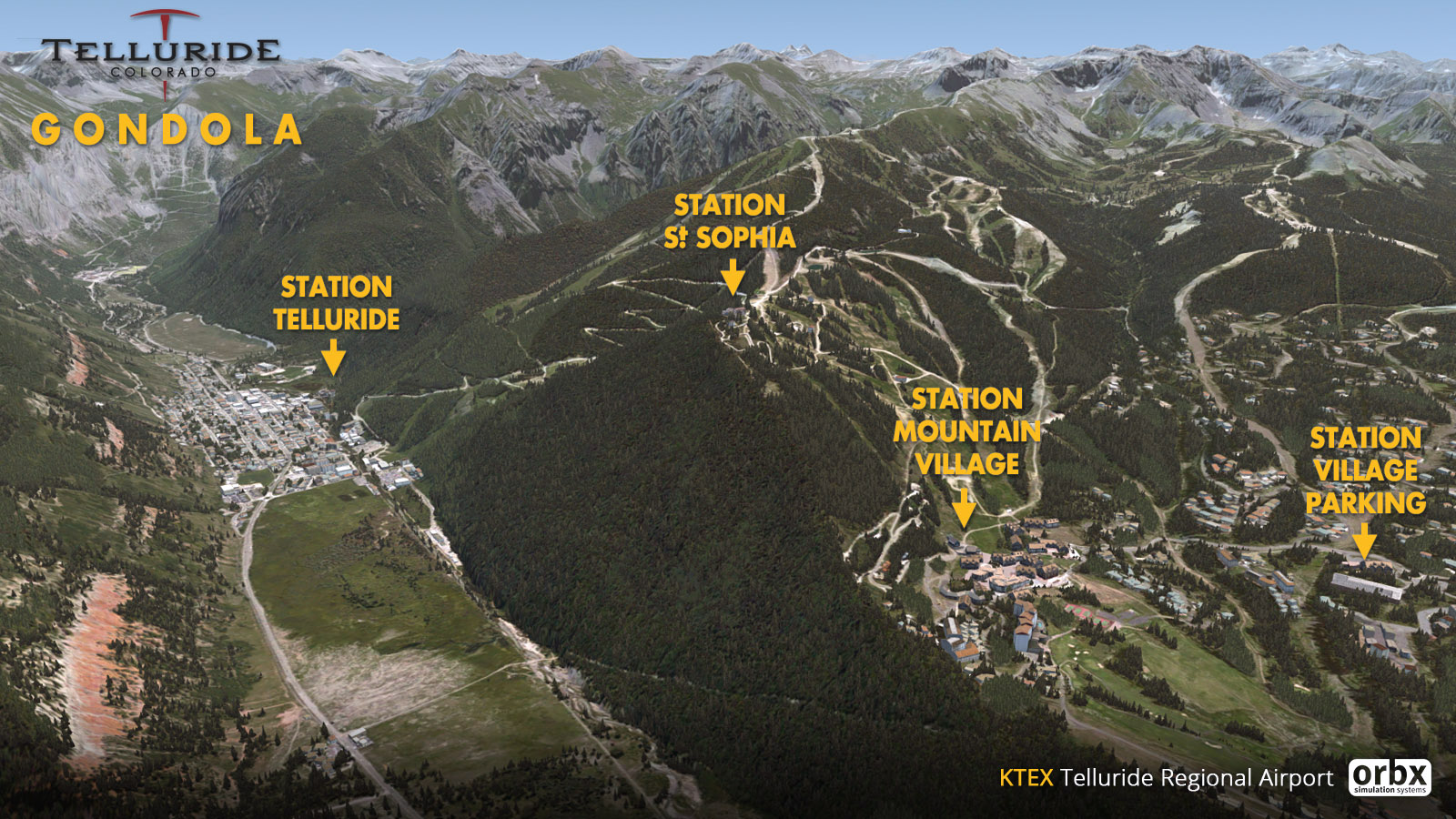
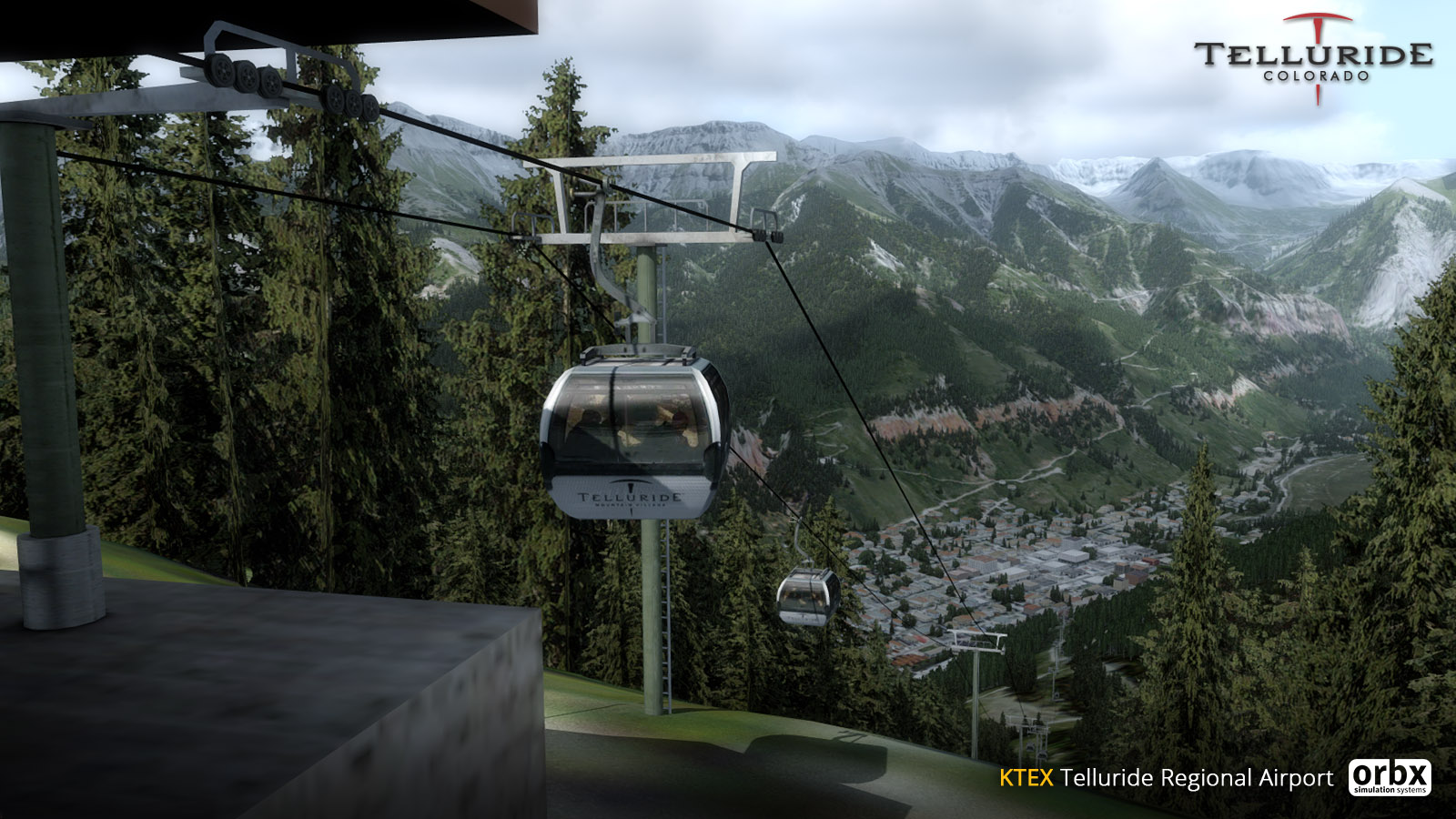
In addition to the resorts and chalets, keep an eye out other trappings of luxury such as tennis courts, mountain-top restaurants, luxury cars and even the odd golfer during the summer months. Perhaps most visible of all, is the Telluride Gondola – a prime mode of transparent for locals and immediately known to anyone who may have visited the area in real life. The Gondola is a Ski Lift which passes through four stations between Telluride and the far side of the Village; subsidised by local ratepayers, it is free for all to use. I have included a fully animated rendition of the Gondola, as well as all four stations along the 4km route.
Lastly, a very important public service announcement:
If you are considering purchasing a copy of KTEX when it is released, it is vital that you update your ORBXlibs to the latest version. Unlike other ORBXlibrary components, the autogen updates require an extra step during installation to activate, as per these instructions:
1. Download and install the latest version of the ORBX Libraries from here.
2. Once installed, open FTX Central V2, select either the FTX Global or North America group, and press “Apply Group”.
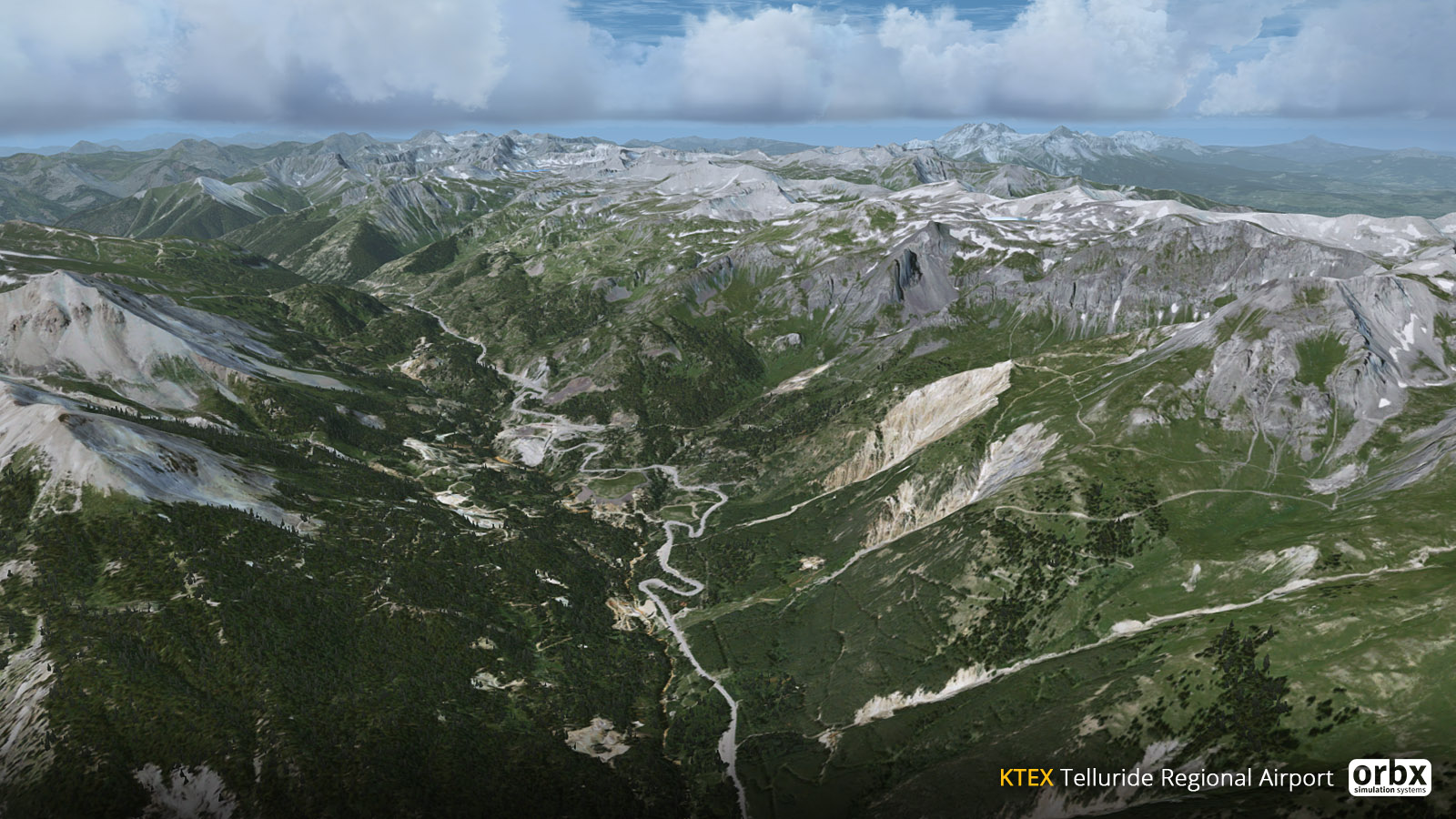
3. VERY IMPORTANT: You must apply or re-apply a region after installing the ORBXlibs, even if your desired region is already active. Applying the region actively forces the introduction of the new autogen files, failure to do this mean you will have an underwhelmingly sparse rendition of the terrain around Telluride.As always, click on the pictures to see them at full size, and keep an eye out for more previews over the coming days!
Enjoy!
Jarrad
Source: http://www.orbxsystems.com/forum/topic/113112-amongst-the-clouds-telluride-preview-part-2/